Automatic star-field tracking
The application matches multiple stars between captures. No star has to be selected by hand.
Coming soon to the Mac App Store.
Use your QHYCCD PoleMaster on an Apple silicon Mac to measure the mount’s right ascension axis and align it with the celestial pole, without the QHY SDK or PoleMaster application.
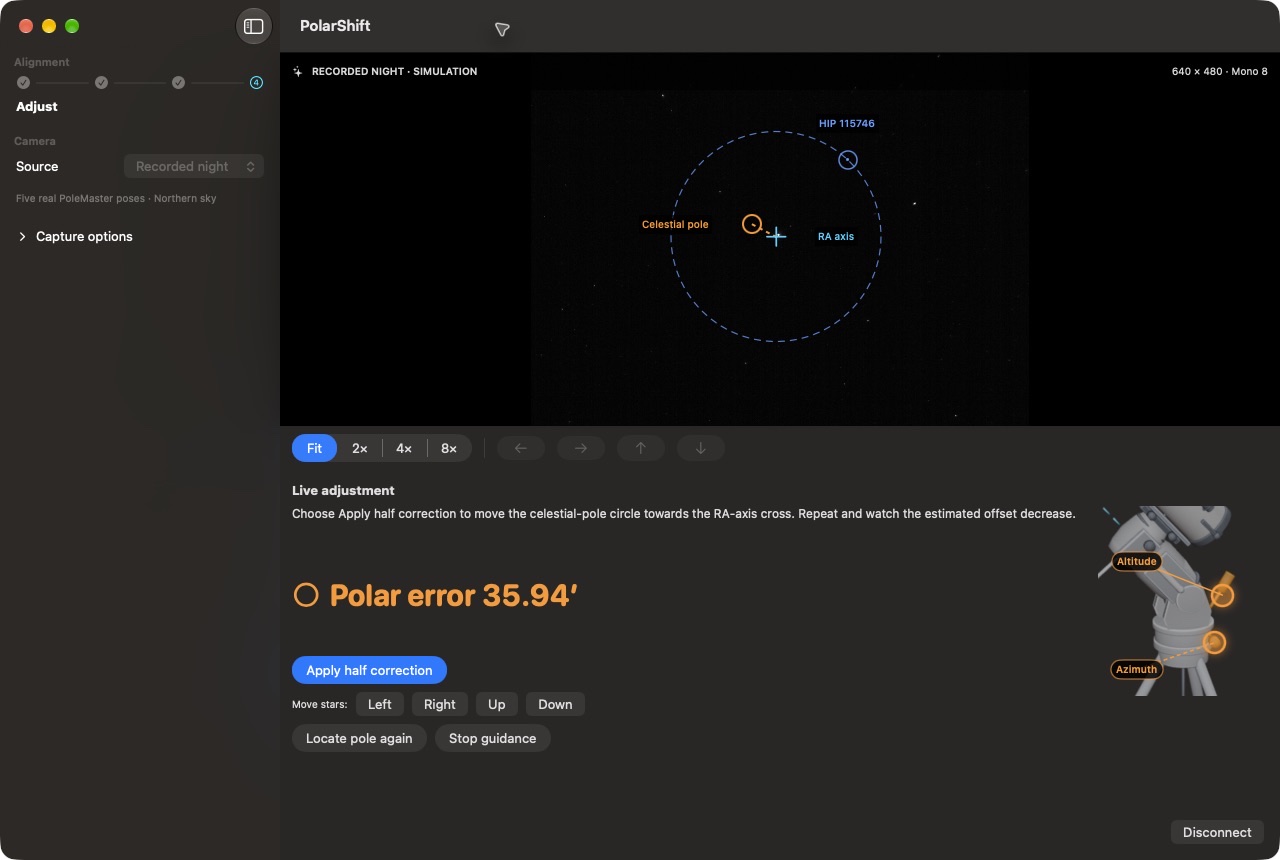
Simulation in PolarShift. Adjust altitude and azimuth to bring the two markers together.
Workflow
Keep the camera fixed to the mount and record several positions as you rotate the right ascension axis.
Connect the PoleMaster by USB. Exposure and gain adjust automatically by default; manual controls are available.
Rotate only the right ascension axis. Wait for the field to settle, then capture each position with the button and, if needed, the countdown.
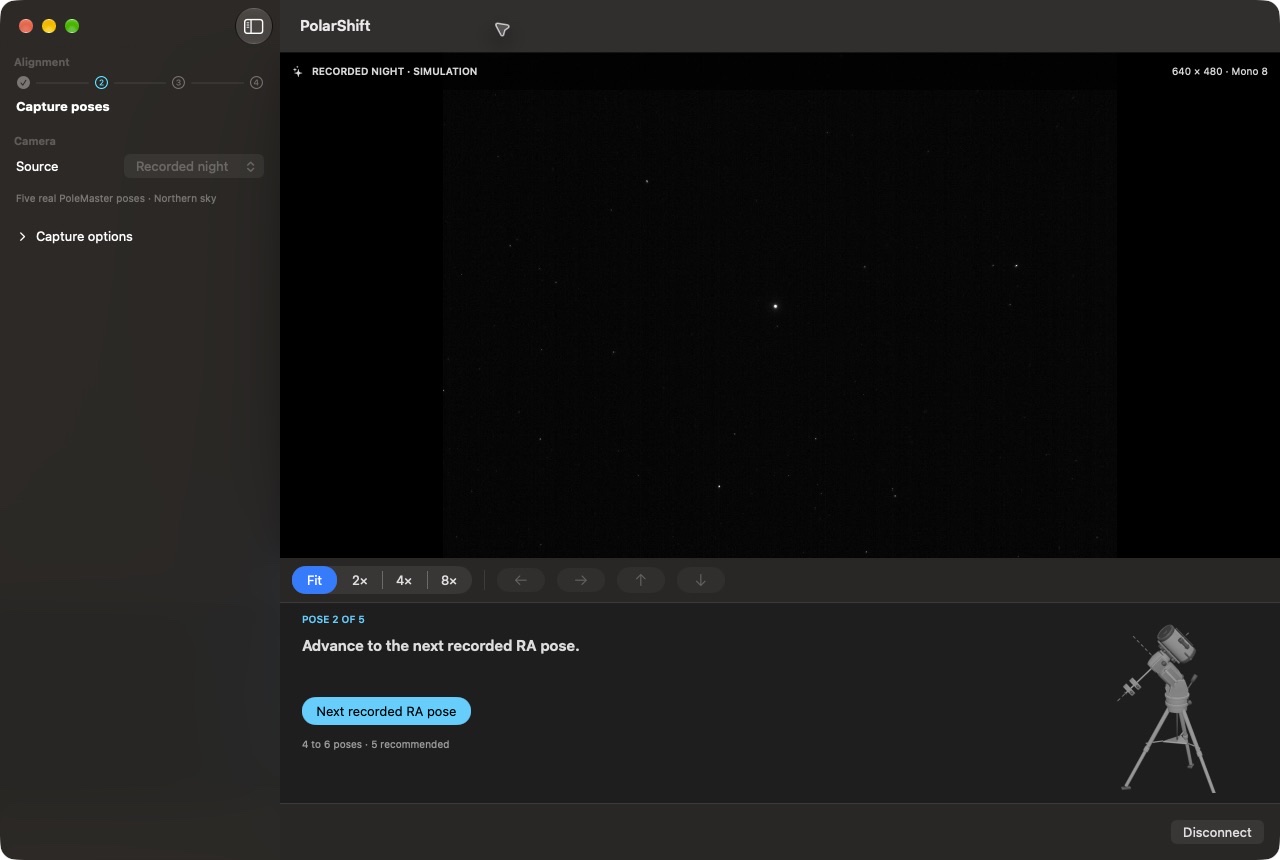
After the fifth pose, PolarShift identifies the stars and calculates the RA axis and celestial pole. Return the RA axis to its starting position before starting live guidance.
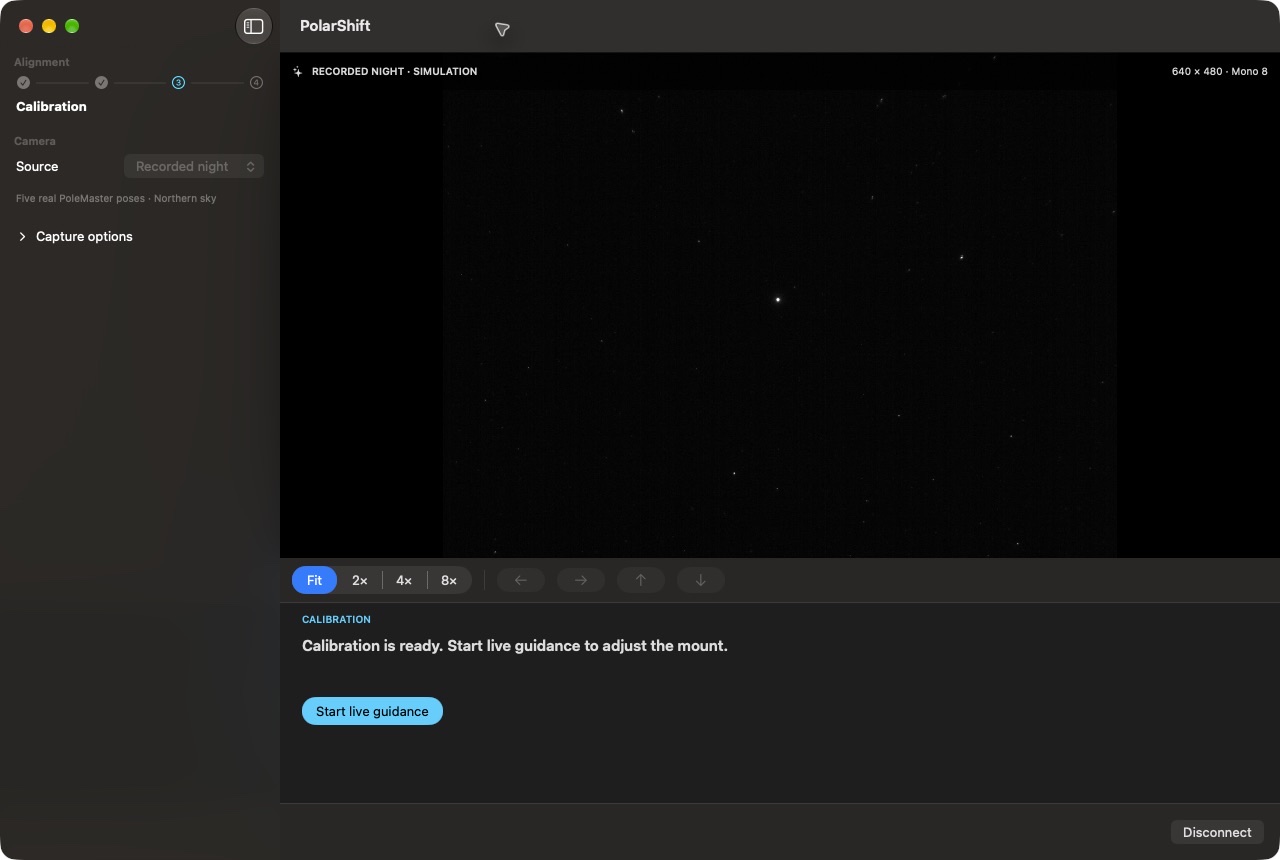
Turn the mount’s altitude and azimuth controls while watching the remaining angular offset.
In the field
The measured axis and celestial pole are overlaid on the image. The angular offset updates as you adjust the mount.
The application matches multiple stars between captures. No star has to be selected by hand.
Capture each stable RA position with the button. Use the countdown to move away from the mount before the exposure.
Night vision, contrast, shadows, zoom and panning improve readability without changing raw images or calculated positions.
Compatibility
Use a PoleMaster camera connected by USB to an Apple silicon Mac.
FAQ
Use 4 to 6 stable positions to measure the common rotation centre; 5 are recommended.
No. PolarShift uses its own native USB driver and communicates directly with the PoleMaster.
No. Image acquisition, measurement and guidance run locally on the Mac.
Capture 4 to 6 distinct positions manually; 5 are recommended. The countdown gives you time to move away from the mount before each exposure.
No. Display adjustments affect only the rendered preview. Raw pixels, star positions and calibration measurements remain unchanged.
PolarShift provides alignment modes for both hemispheres. Select your observing hemisphere before capture.
Perpetual licence · 2 Macs
Buy PolarShiftDownload public trialPublic version · SHA-256